Open or capture
Choose a PDF, select photos, use the camera, or connect to a compatible scanner.
 LemmaPrint for Android
 Turn PDFs, photos, and paper into carefully prepared output on Android. Preview the result, print it, or save a new PDF—without moving the job to a desktop.
One practical print studio
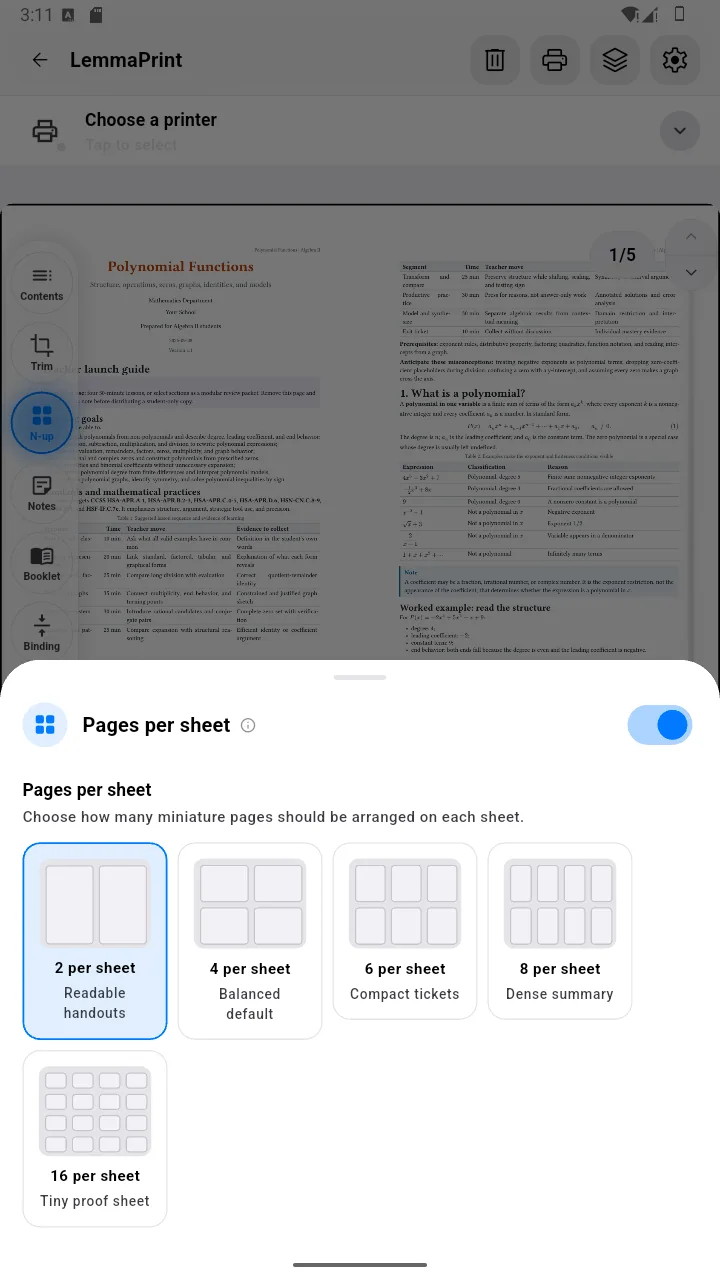
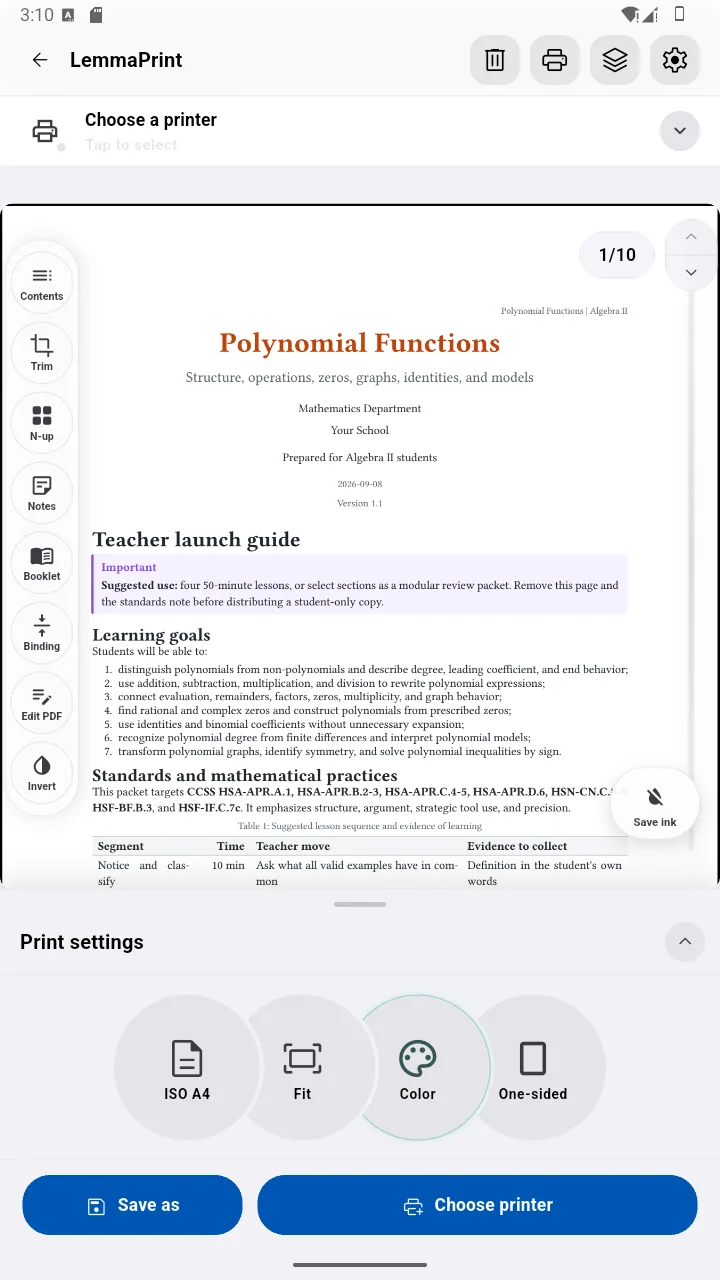
Most print dialogs send a file as-is. LemmaPrint helps you shape it first—reorder it for folding, fit several pages onto one sheet, clean a scan, add room for binding, or reduce heavy backgrounds.
Choose a PDF, select photos, use the camera, or connect to a compatible scanner.
Crop, arrange, clean, impose, add margins, and preview the result before paper is used.
Use Android’s print system, a compatible direct printer, or export the prepared PDF.
Booklet maker
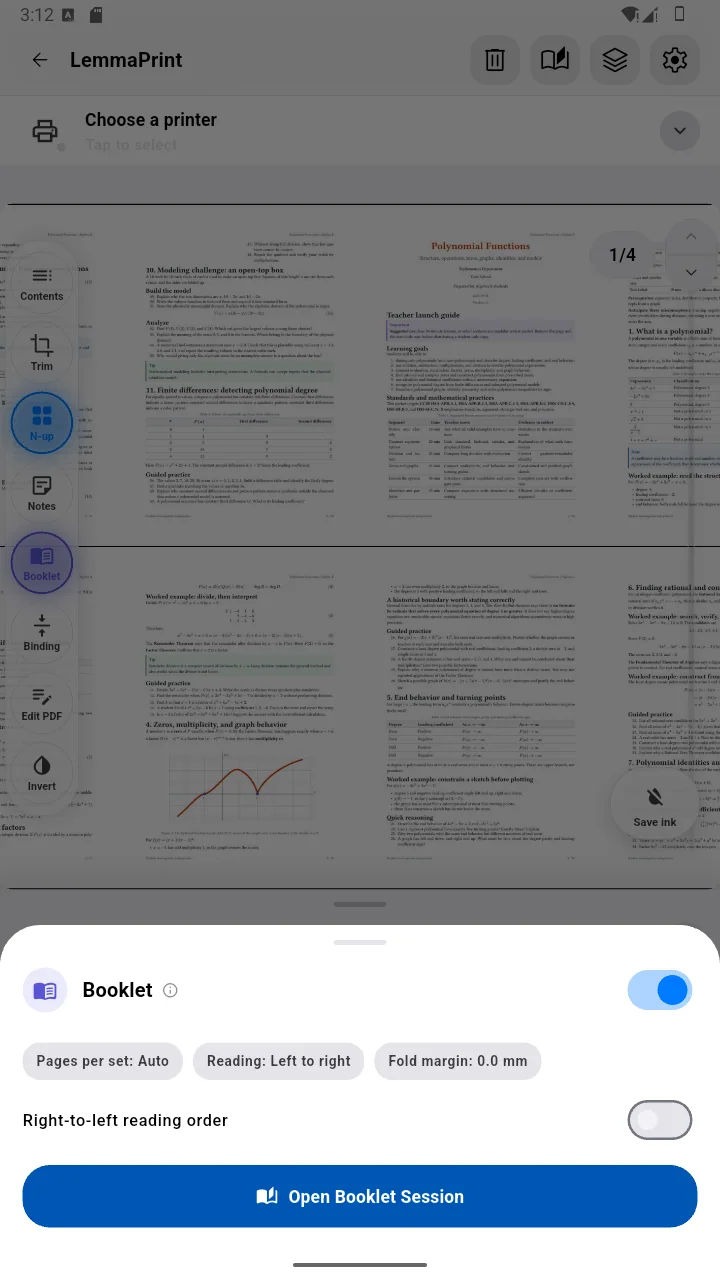
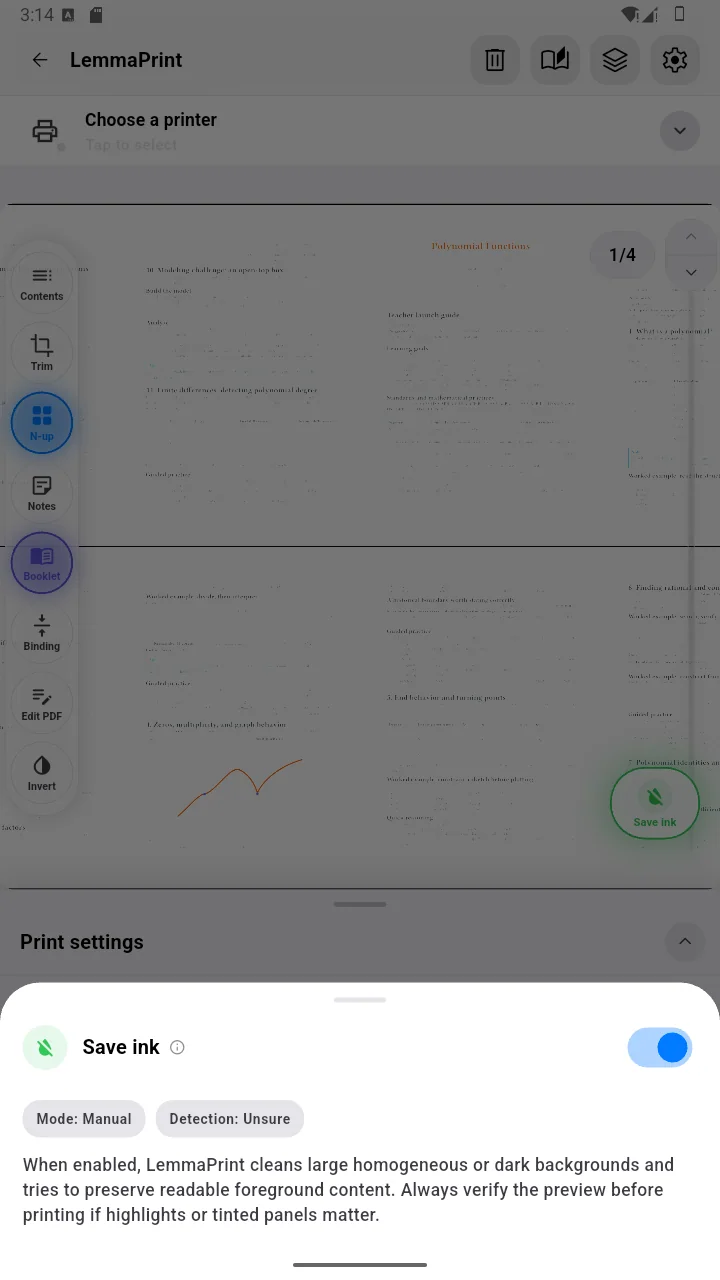
LemmaPrint puts pages into booklet order, adds blanks when the page count needs them, and helps with two-sided printing—even when duplexing is manual.
N-up handouts
Create compact handouts, review copies, flash cards, and reference sheets with a live preview and deliberate layout controls.
Paper-aware tools
Use only what the job needs. Every control is designed around the final sheet, not around a generic image editor.
Remove excess margins automatically or refine the crop yourself, with safety around page content.
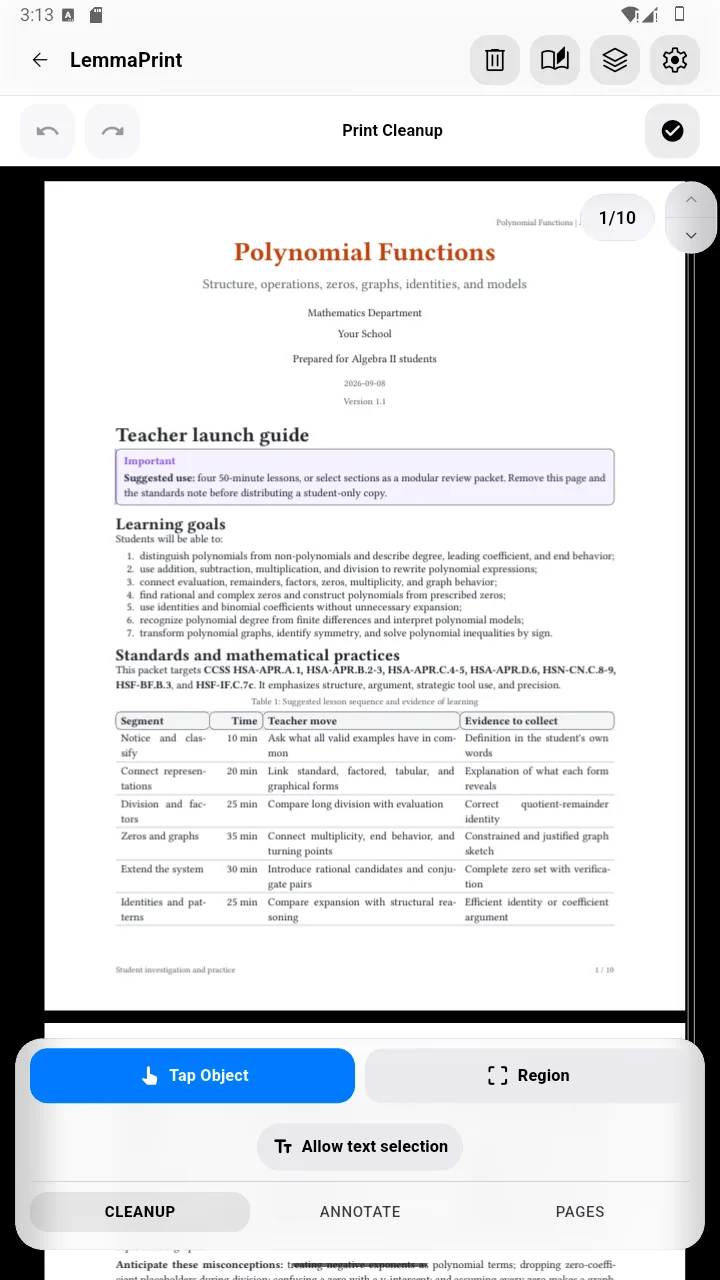
Clean heavy backgrounds and choose color, grayscale, or black-and-white output.
Add note space, a binding edge, or mirrored margins for two-sided sheets.
Start with a document or a photo set, then prepare one consistent print job.
Keep the prepared result as a new PDF for printing later or from another device.
See the job before it runs
Preview the document, open layout tools, choose a printer, and keep the final action visible. The interface adapts from phone to larger Android screens.
The complete toolkit
Start with the essentials, then open only the tools the job needs. Printer-specific controls appear when the selected printer reports that it supports them.
Availability varies by source type, output route, Android print service, and the capabilities reported by the printer.
From paper to Android
Capture a document with the phone camera, detect the page, review the result, and continue into the same print-preparation workflow. LemmaPrint can also discover and use compatible eSCL/AirScan scanners and multifunction printers on your local network.
Physical scanner support is beta. Compatibility depends on the device, firmware, network, and services it exposes.
Two routes to paper
Choose the broad compatibility of Android Print Services, or use LemmaPrint’s direct path when the printer exposes compatible standards.
Hand the prepared document to Android’s print framework and an installed printer service. This is the widest compatibility route and lets the system or vendor service finish printer-specific choices.
Discover or add compatible local printers, read the capabilities they advertise, and send jobs using modern IPP printing with PWG Raster or URF where supported.
Built for modern printers from Brother, HP, Canon, Epson, Lexmark, and others that expose compatible IPP or AirPrint-style services. Compatibility varies by model, firmware, network, installed Android print service, and advertised capabilities. Brand names identify compatibility targets; LemmaPrint is not affiliated with or endorsed by those manufacturers.
USB works when a printer exposes compatible IPP-over-USB. Traditional USB printer-class devices may require the Android system print route or a manufacturer service.
Private by architecture
Normal document preparation happens locally on your Android device. Printing sends output only through the route you choose—to Android’s print framework or to the selected printer.
Good to know
It is free to download and basic printing remains available without watching an ad. Some advanced output actions may offer an optional rewarded ad.
The Android Print route works with printer services installed on your device. Direct printing requires a compatible IPP/IPPS printer. Exact capabilities vary by model.
Yes. You can prepare the layout and save the output as a new PDF for later use.
Normal print and scan preparation is local. LemmaPrint does not upload document contents to a LemmaPrint document server.
Available now for Android
Prepare it carefully. Preview it clearly. Print it your way.