Markdown that keeps its dialect
Open standard Markdown plus static Pandoc, Obsidian, Quarto, and MyST projects without flattening everything to one syntax.
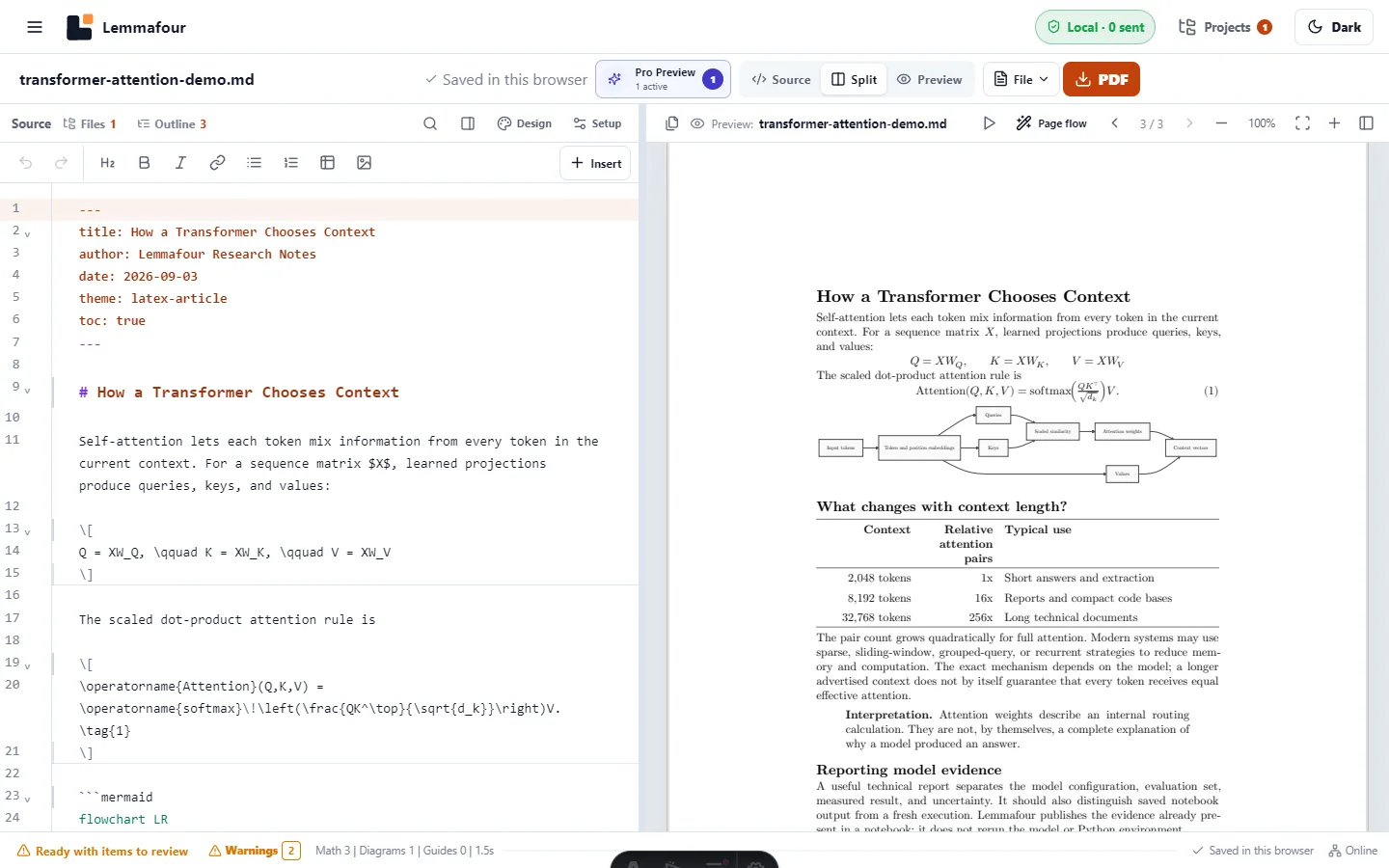
Local Markdown publishing
Open what you already have, shape the publication, and export a typeset PDF. The document work stays in your browser.
Core publishing works without an account or upload queue.
Start where your work lives
You do not need to reorganize a single article into a book project, or flatten a project into one enormous Markdown file.
Open standard Markdown plus static Pandoc, Obsidian, Quarto, and MyST projects without flattening everything to one syntax.
Publish saved notebook source and outputs as they are, as a results report, or with code and evidence.
Work with one document or an editable local project containing Markdown, Quarto, notebooks, text, images, and references.
Choose the deliverable
Download the current file, separate PDFs, or a combined PDF in the order you choose. Combined documents preserve document boundaries so a new chapter can begin on a new page.
Jupyter to publication
Publish saved notebook source and outputs as they are, as a results report, or with code and evidence. Saved text, images, tables, charts, streams, and errors are handled through bounded renderers with explicit fallbacks.
From a public link
Create an editable browser copy from a public GitHub, GitLab.com, or Hugging Face repository, directory, or file link.
Private, gated, and sign-in-only repository links are not supported. Local files and folders remain available.
Built for the page
Typeset mathematics, Mermaid diagrams, tables, code, citations, and footnotes without an account or daily export cap. The same layout pipeline is used for a single document and a combined export.
Title matter, contents, chapter boundaries, headings, notes, references, and page furniture.
One, two, or three columns with wide tables and diagrams promoted when a narrow column would fail.
Theme, table splitting, notebook output handling, and publication order follow the same compilation path.
Tested workflows
Each guide includes a downloadable fixture, current product evidence, limitations, and a direct route into the workspace.
A useful free core
For private core PDF workflows and everyday Markdown publishing.
Day Pass and Pro unlock the same professional publishing set for different durations.
Lemmafour publishes outputs already stored in the notebook. It does not run Python, install packages, or execute notebook code.
Private, gated, and sign-in-only repository links are not supported. Local files and folders remain available.